Passkeys, explained: what replaces a password
Passkeys let you sign in without typing a password, but device support, syncing and account recovery still deserve a careful look.
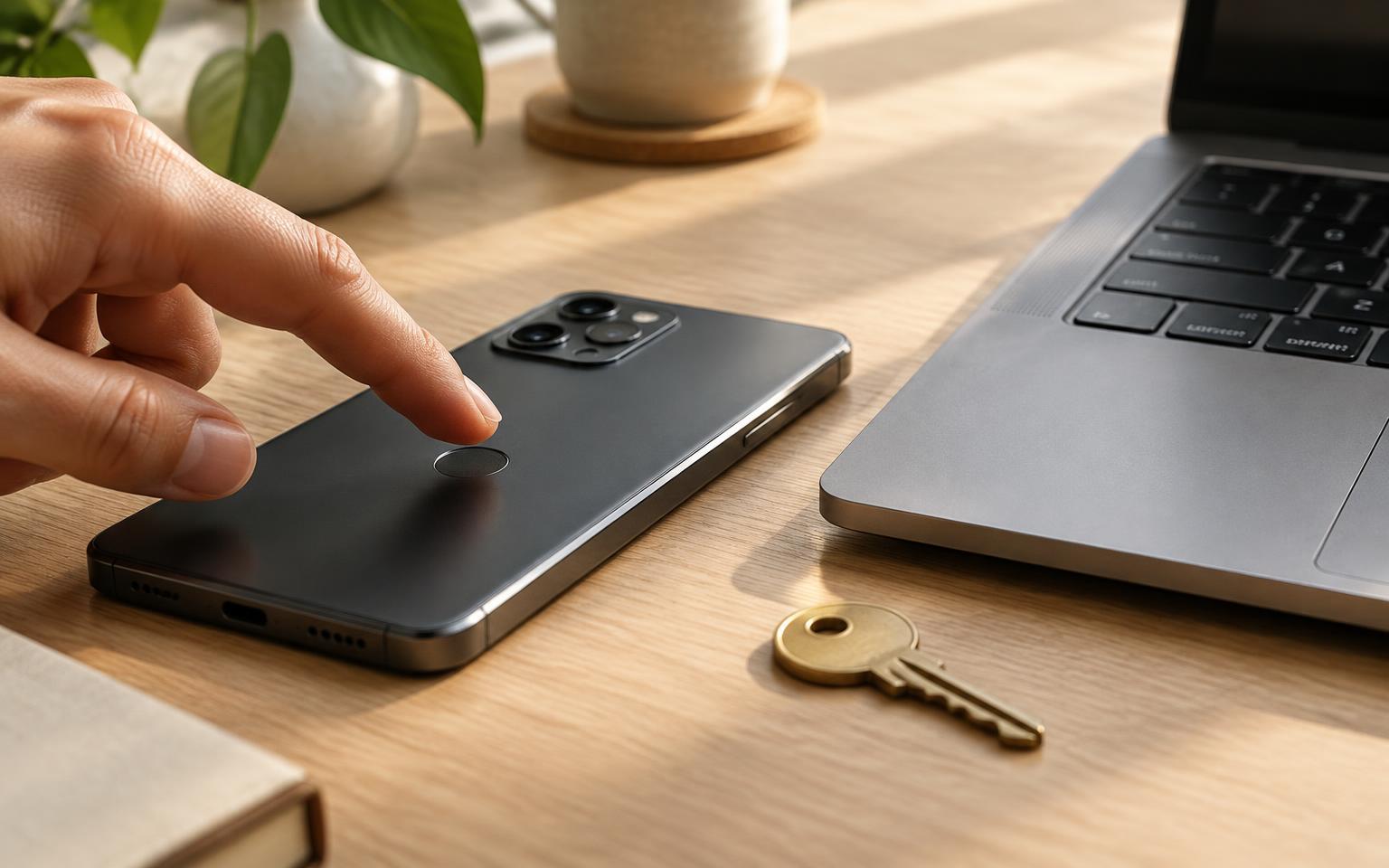
A passkey is a sign-in credential that can replace a password for a supporting website or app. Instead of remembering a secret to type, you authorize your device to sign in, often with a fingerprint, face scan or device PIN.
The important distinction is not the fingerprint. It is that the website checks a cryptographic proof rather than asking you to send a reusable password.
What changes behind the scenes
Passkeys use public-key cryptography and standards including WebAuthn, published by the World Wide Web Consortium. When you register, an authenticator, such as one built into a phone or security key, creates a key pair associated with the service and your account.
- The public key goes to the service. It lets the service check signatures; it cannot produce a valid sign-in signature by itself.
- The private key is kept by your authenticator or passkey provider, not given to the website. Depending on the implementation, it may stay on one device or be securely synced.
- At sign-in, the service sends a fresh challenge. After the required authorization, the authenticator signs a response, and the service verifies it with the public key.
A face scan or fingerprint used for this process is checked locally, not sent to the website as part of WebAuthn authentication. A device PIN can provide an alternative to biometrics.
Why phishing is harder
A fake sign-in page can persuade someone to type a password. A passkey works differently: WebAuthn binds credentials to a service identifier and checks the website's origin. A look-alike domain cannot simply request the real site's credential.
That makes passkeys phishing-resistant, not a guarantee that an account can never be compromised. Account recovery and any remaining password sign-in routes still need attention. Do not assume that creating a passkey automatically removes those other routes.
Where your passkeys live
Some passkeys are device-bound; others sync through a provider. For example, Apple describes syncing passkeys through end-to-end encrypted iCloud Keychain. That is an implementation detail, not a promise that every provider works identically.
Compatible setups can also let a nearby phone authorize sign-in on another device. Availability depends on the devices, software and service. Before relying on this option, check the instructions for your own setup.
Check recovery before switching
Start with one account and work through a few practical questions:
- Which devices or passkey providers can hold this account's passkey?
- How would you sign in if your phone were lost or replaced?
- Can you register another authenticator or use a documented recovery method?
- Does the account still accept a password, and is that password unique?
Keep your device locked and protect the account used to sync your credentials. A screen lock matters, but it is not the whole security picture.
For a household account, check the service's supported sharing options rather than assuming everyone can use one person's passkey. The goal is a clearer sign-in process with a recovery plan you understand, not a switch made on trust alone.
Sources and further reading
Newsletter
The Daily Blend, in your inbox
Related stories

Hong Kong puts AI-agent identity and accountability on its finance agenda
Project SAGE will examine financial AI agents, with work on delegated authority, interoperability and consumer protection.

Microsoft reports $92.3 billion in quarterly revenue as cloud business expands
Microsoft reported 19% revenue growth for its September quarter, with cloud sales rising faster as AI infrastructure spending continued.

How to spot technology hype before you buy
Ask what works now, how it was tested and what happens when it fails before treating an impressive technology claim as a reason to buy.